Paints like a sketchbook
Pressure, tilt and palm rejection tuned for Apple Pencil and pen tablets. Familiar gestures: two-finger tap to undo, pinch to zoom and rotate. Nothing gets between the pen and the pixel.
Lumier Pro is a professional drawing and photo-editing studio that runs in your browser, installs like an app and keeps working offline. It feels like a sketchbook, edits like a darkroom and inks like a studio tool.
Free early access · No download needed · Your art stays on your device
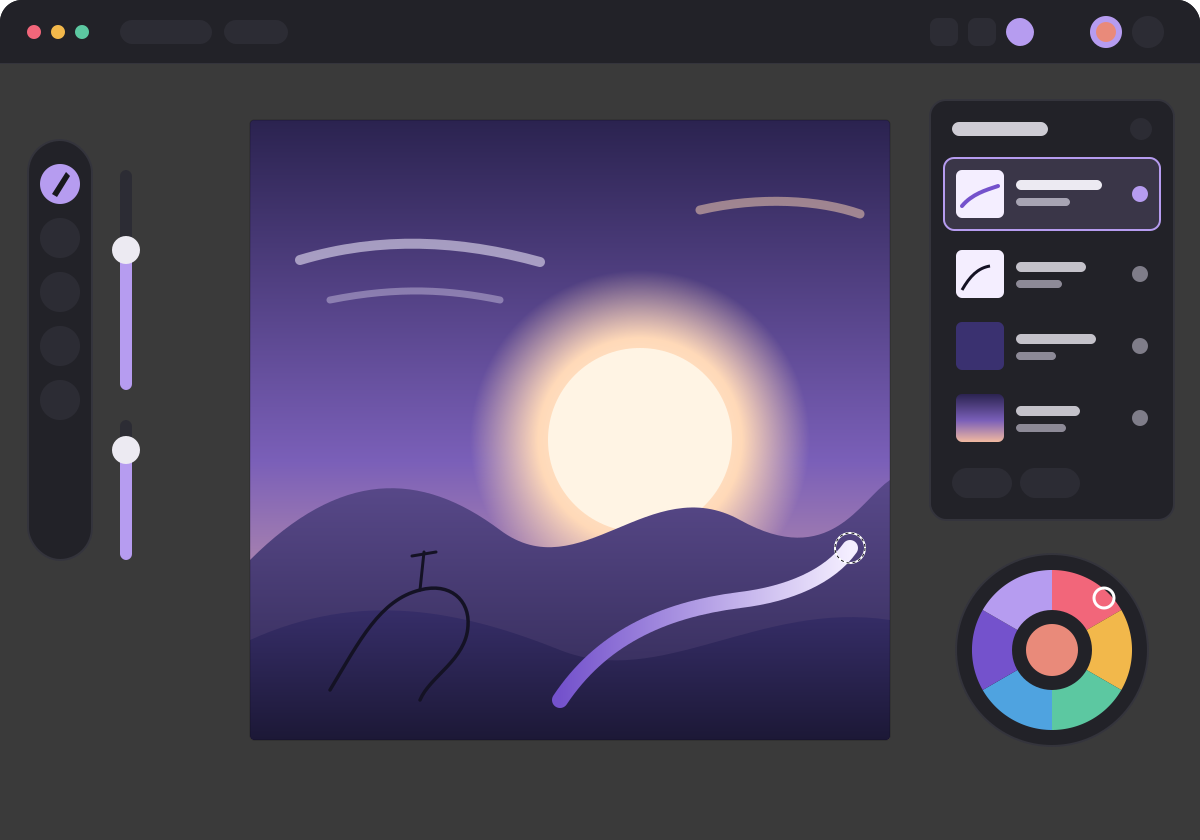
Most artists juggle three apps: one to paint, one to edit, one to ink. Lumier Pro brings those workflows together without making you relearn your hands.
Pressure, tilt and palm rejection tuned for Apple Pencil and pen tablets. Familiar gestures: two-finger tap to undo, pinch to zoom and rotate. Nothing gets between the pen and the pixel.
Layers, groups, masks and clipping, the full set of Photoshop-style blend modes, and a growing toolkit of selections, transforms, adjustments and filters.
Stabilisers from gentle smoothing to pull-string, so long confident lines come out the way you meant them. Vector line work and rulers are on the roadmap.
Open Photoshop and Procreate files and bring your favourite brushes along. When something can't come across exactly, Lumier Pro tells you what changed. It never silently flattens or drops your work.
Format support is rolling out during early access. See what's ready today.
iPad, Windows, Mac, Android tablets and Chromebooks. Open it in the browser, install it to your home screen or dock, and it runs full-screen and offline like any other app.
Early access is free. Pro pricing and exactly what each plan includes will be announced before the first public release.
$0Free forever
Coming soonMonthly and yearly plans
Open Lumier Pro in your browser and start a canvas in seconds.